Getting Started
Learn how to use Avenida to organize your shopping, track prices, and make smarter purchase decisions. Follow these simple steps to get the most out of your wishlist experience.
Create your account
Getting started with Avenida is quick and free. Simply sign up with your email address and confirm your account.
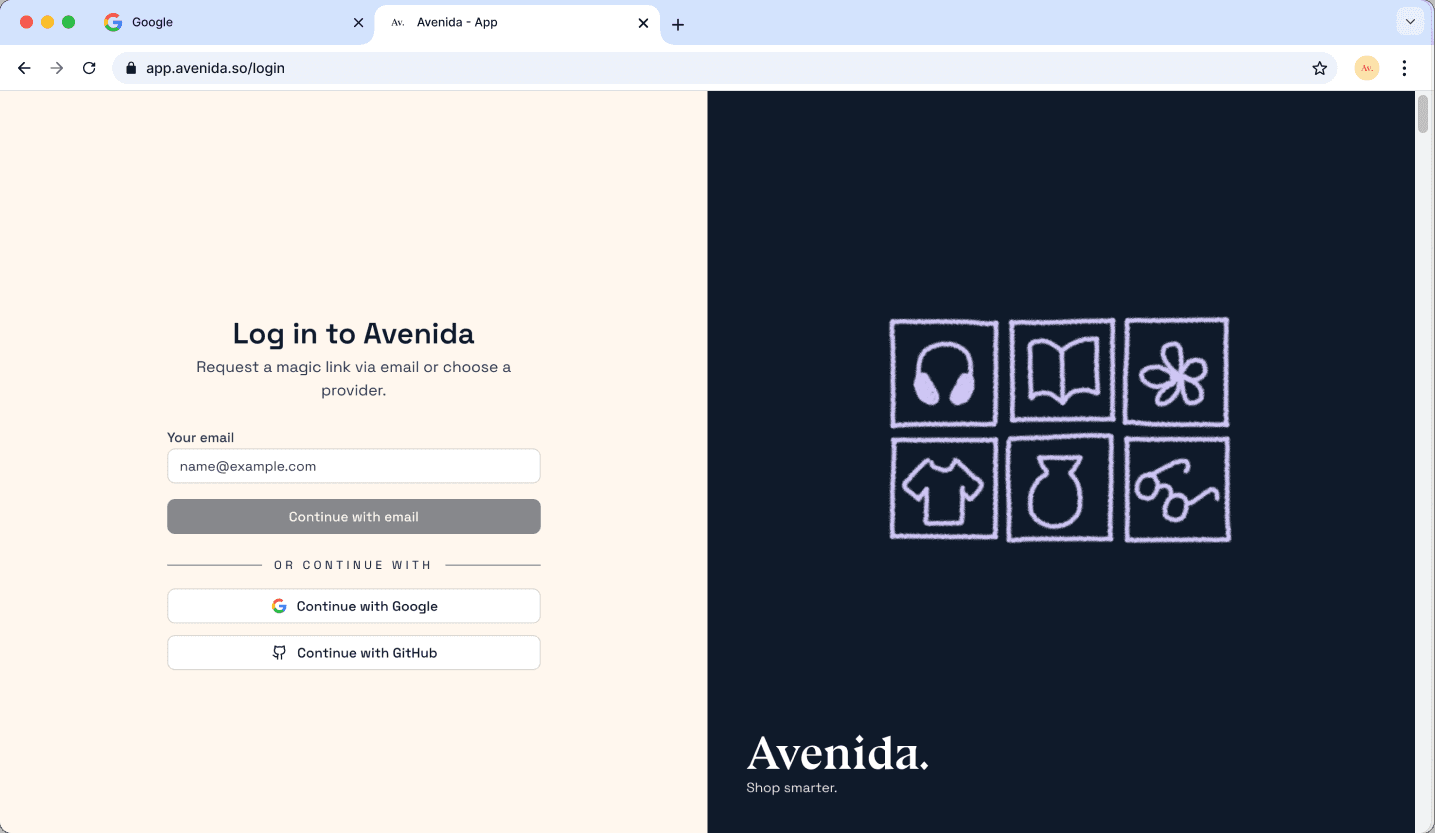
Visit the Avenida app and click "Log In". You can create an account using:
- Your email address (you'll receive a confirmation link)
- Your Google or GitHub account for instant sign-up
Check your inbox for a confirmation email and click the link to verify your account. That's it — you're ready to start!
Create your first wishlist
Wishlists help you organize products by category, occasion, or however you prefer. Create as many as you need.
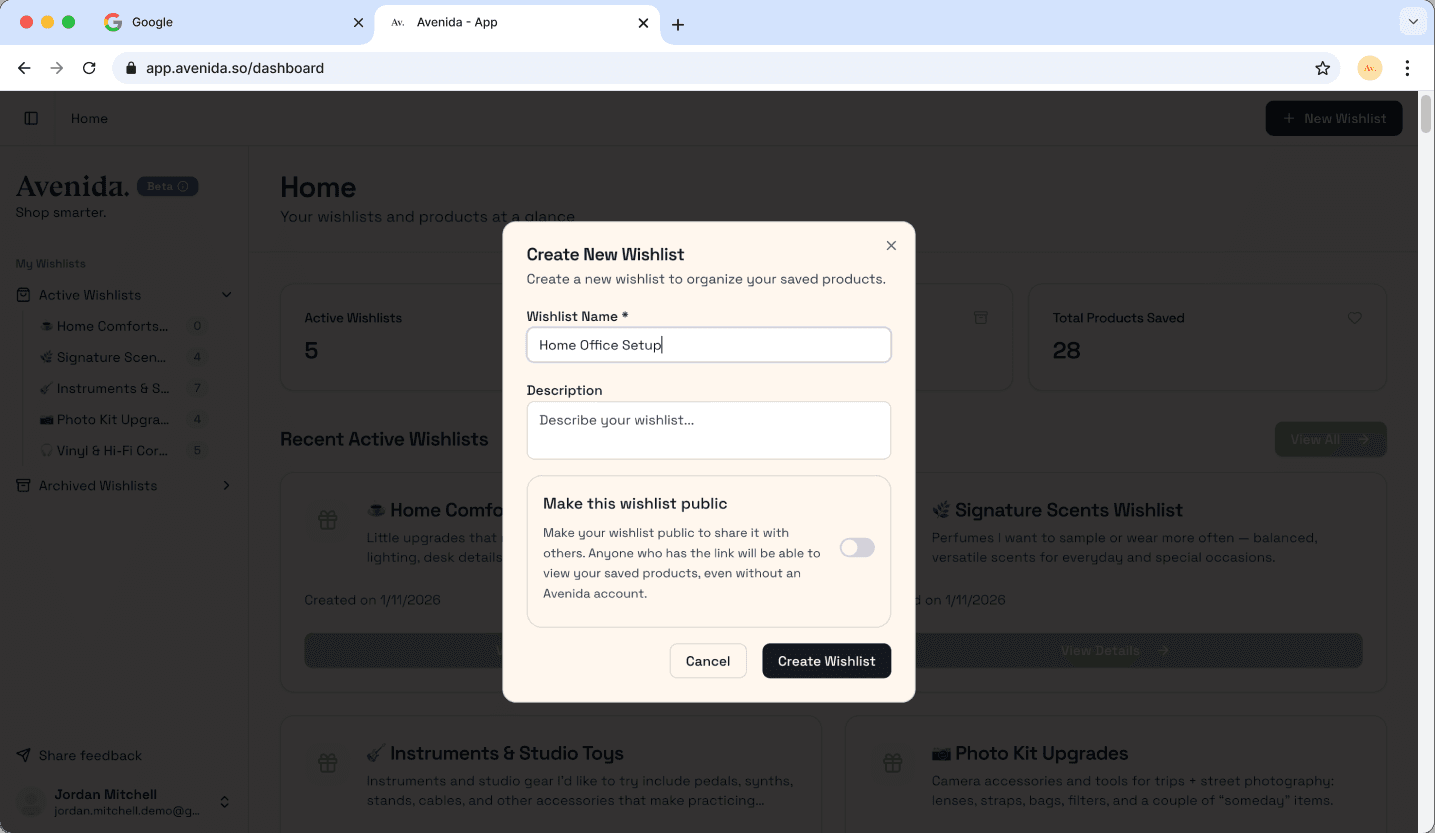
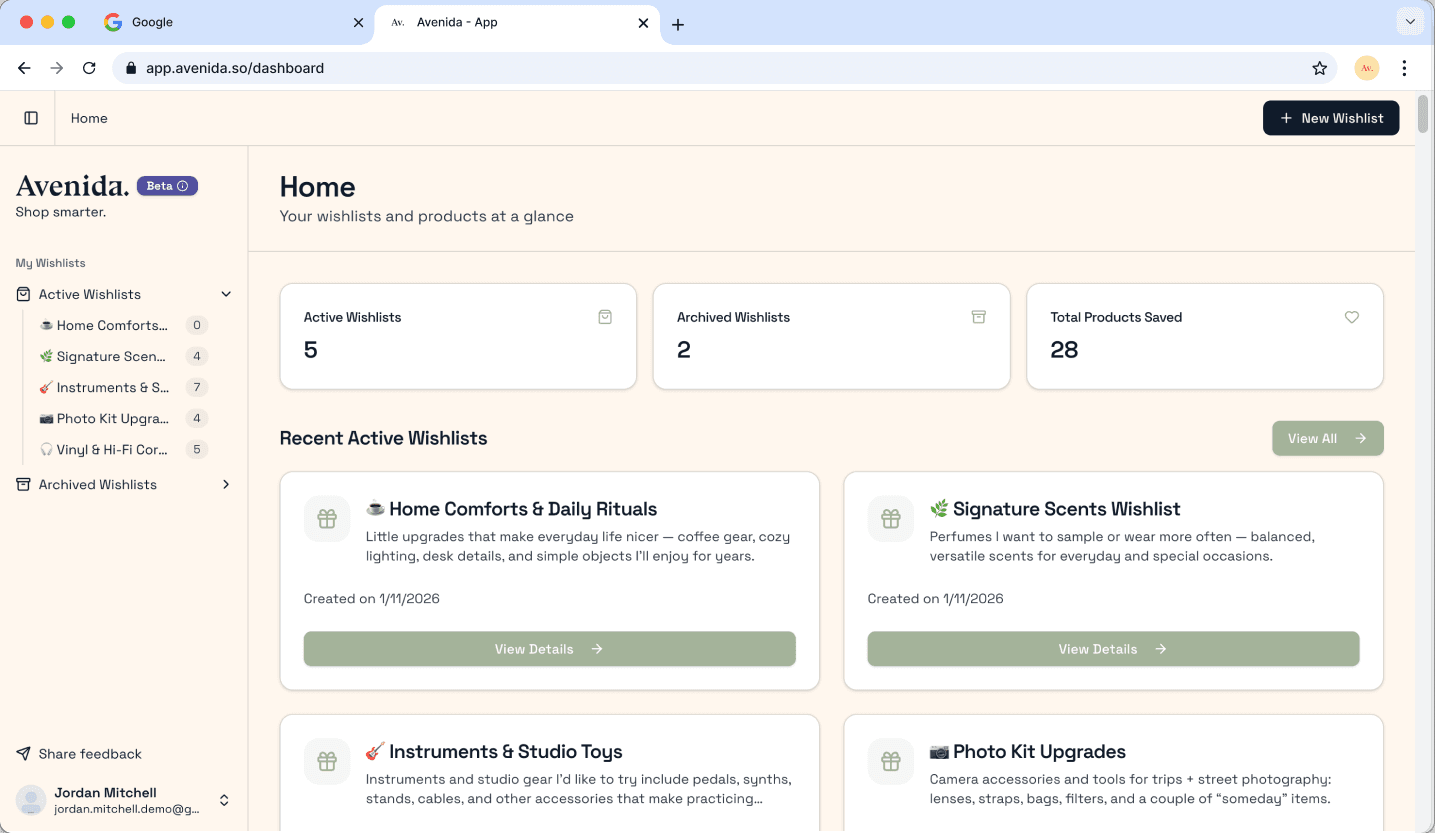
Once logged in, you'll see your dashboard. Click the "New Wishlist" button to create your first list.
Give your wishlist:
- A name — something descriptive like "Birthday Ideas", "Home Office Setup", or "Holiday Gifts 2026"
- A description (optional) — add notes about the list's purpose
- Privacy setting — keep it private or share with others
Add products from any online store
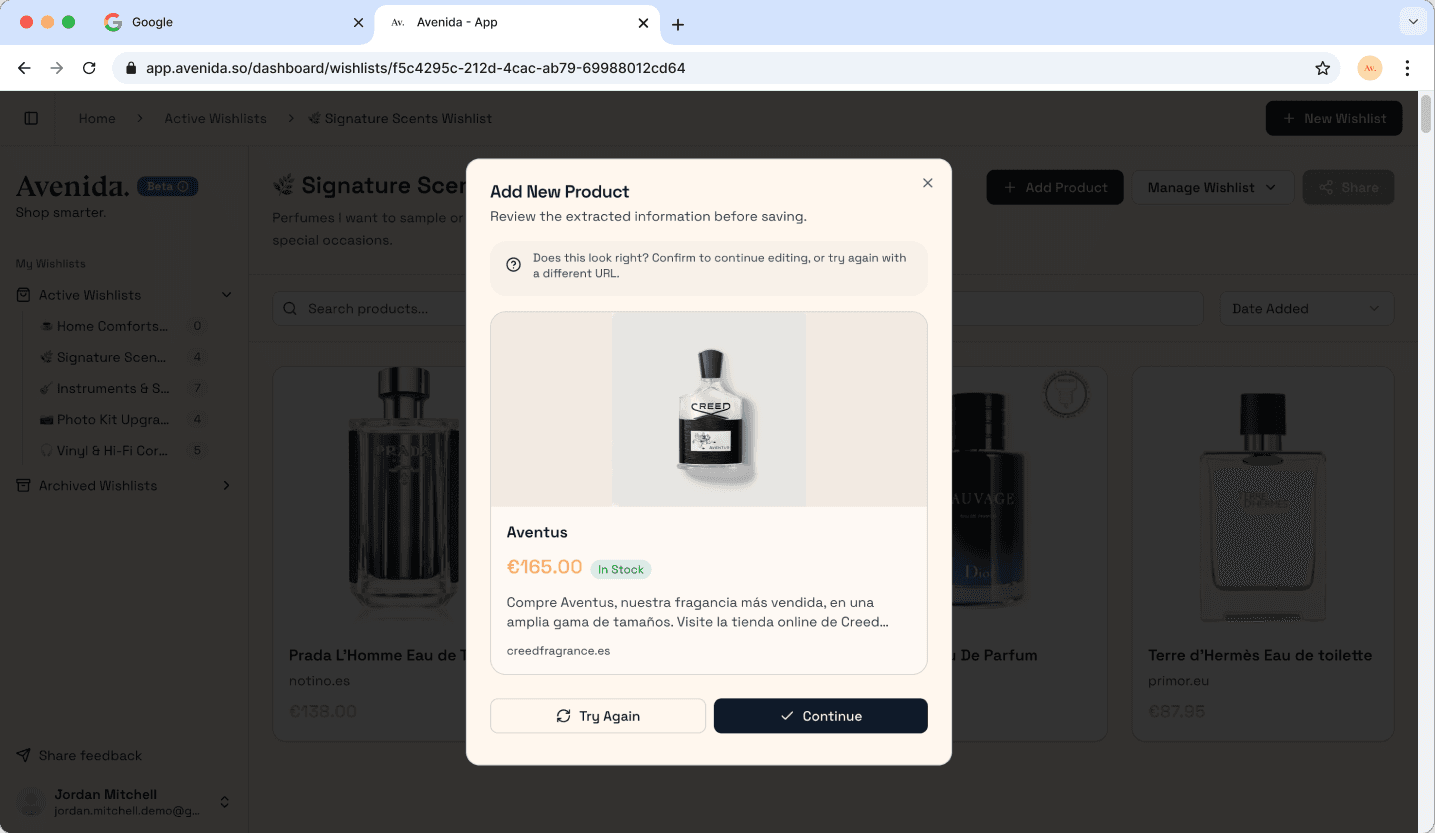
The easiest way to add products is by pasting a URL. Avenida automatically extracts all the important details.
Found something you like while shopping online? Here's how to save it:
- Copy the product URL from any online store (Amazon, Zara, IKEA, etc.)
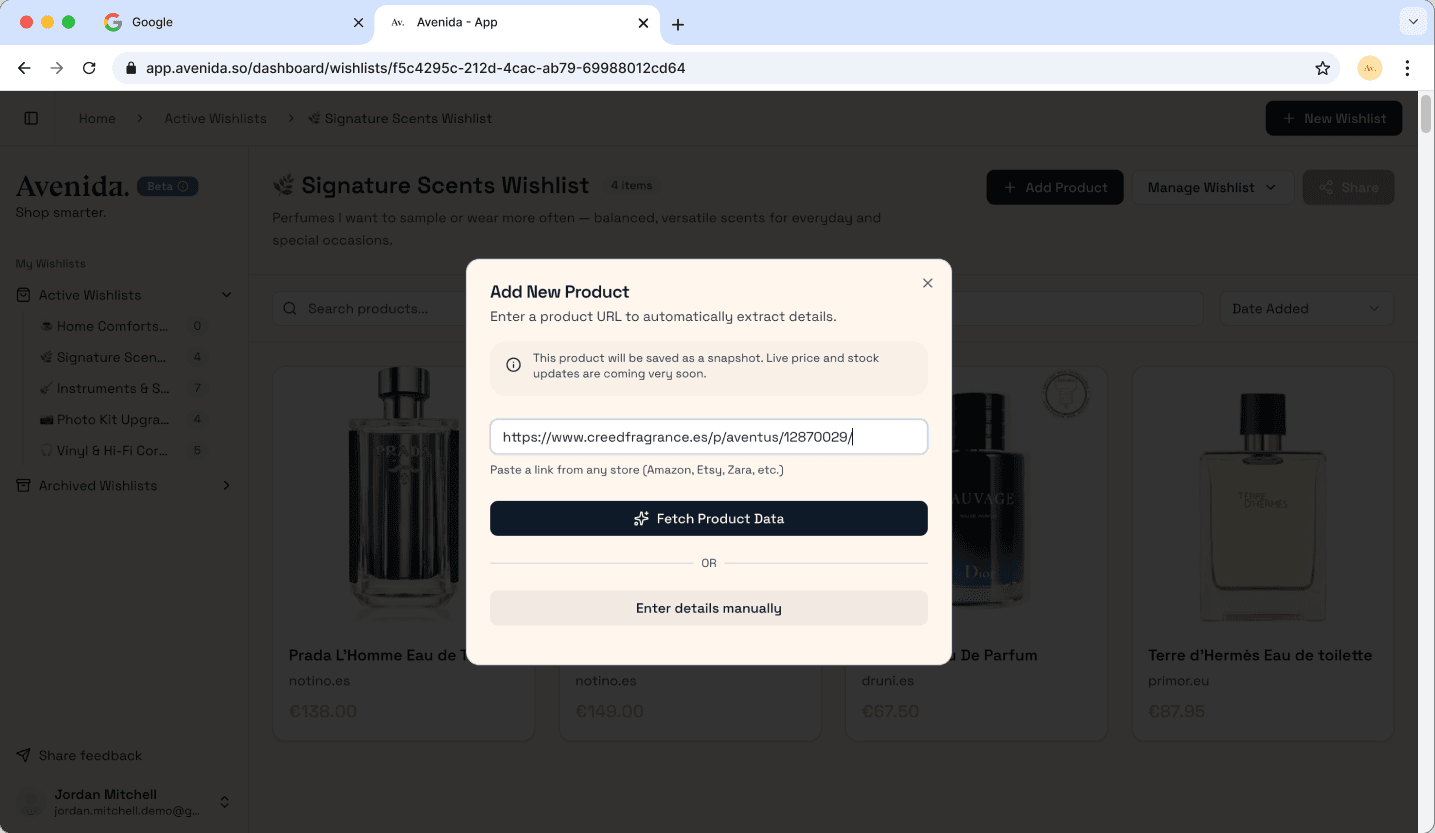
- Open your wishlist in Avenida and click "Add Product"
- Paste the URL in the input field
- Click "Fetch Product Data" — Avenida will automatically fetch the product name, price, image, and availability
- Review and save — make any edits if needed and add to your list
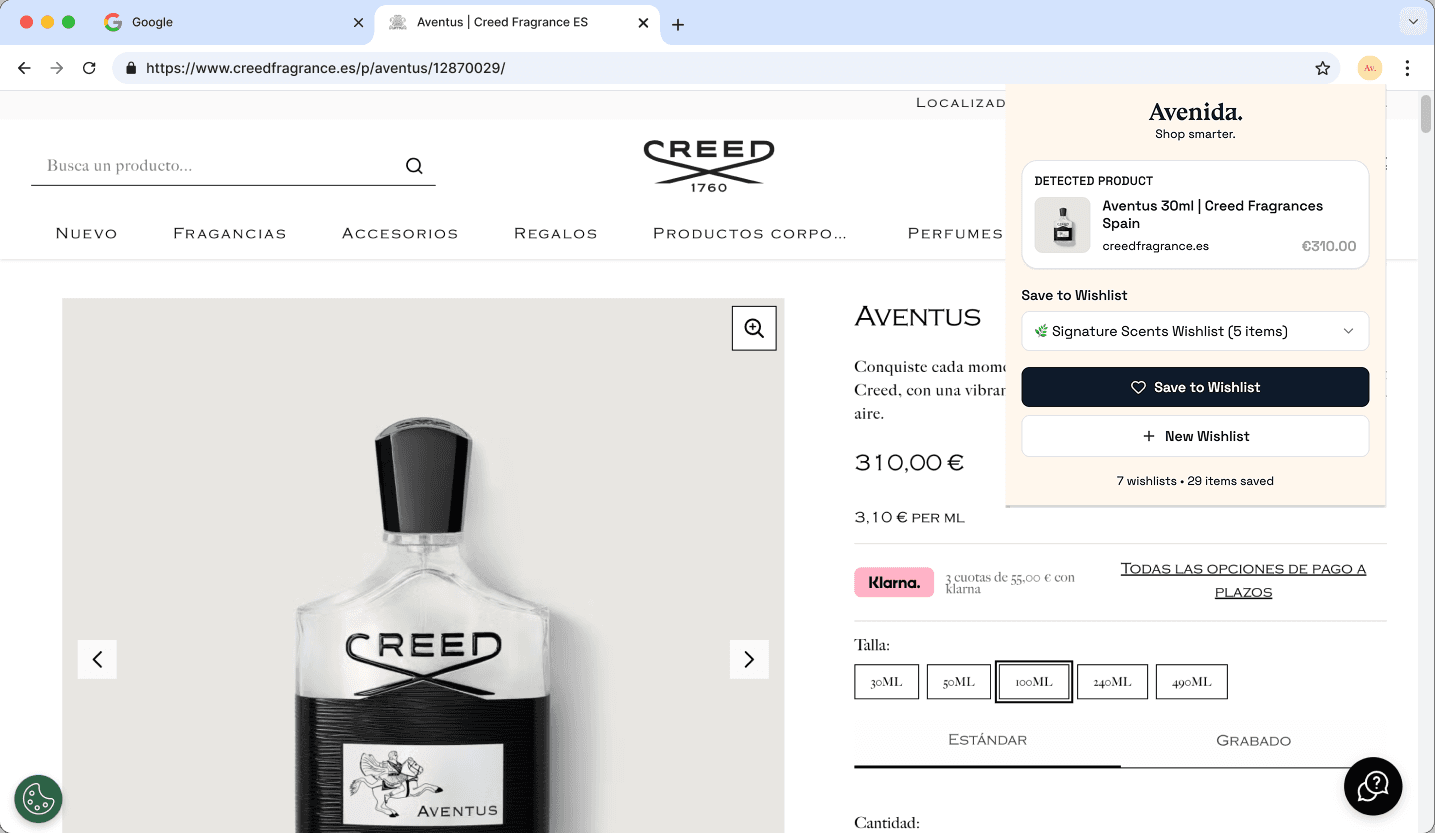
Pro tip: Install the Avenida browser extension to save products with a single click while you browse!
Add products manually
Don't have a URL? You can also add products manually by entering the details yourself.
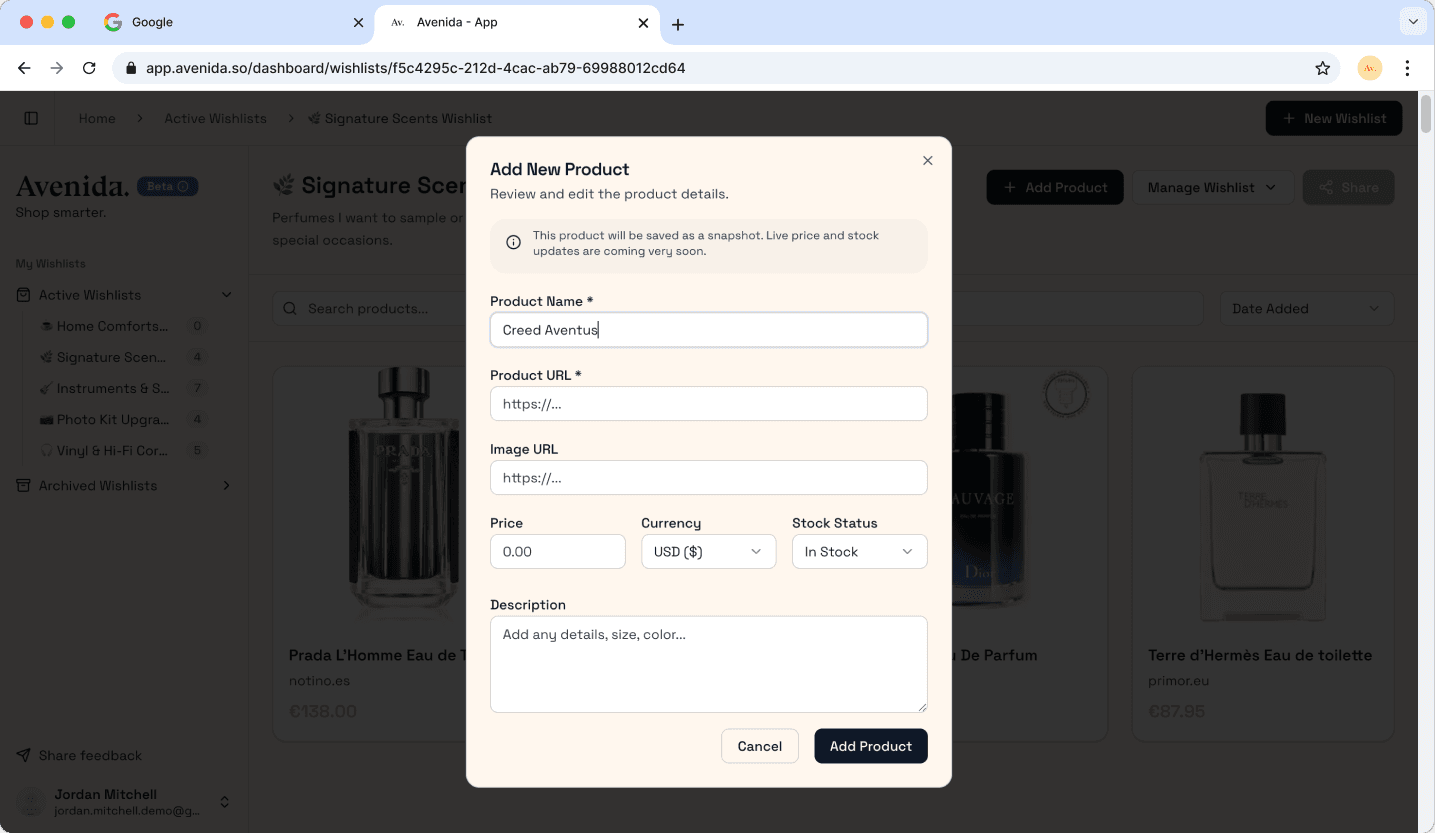
Sometimes you want to save a product you saw in a physical store, or a product that's not available online. No problem — you can add items manually:
- Click "Add Product" in your wishlist
- Choose "Enter details manually" option
- Fill in the details:
- Product name (required)
- Product URL (required)
- Product image URL
- Price and currency
- Stock status
- Description
- Save to your list
Track prices and manage your items
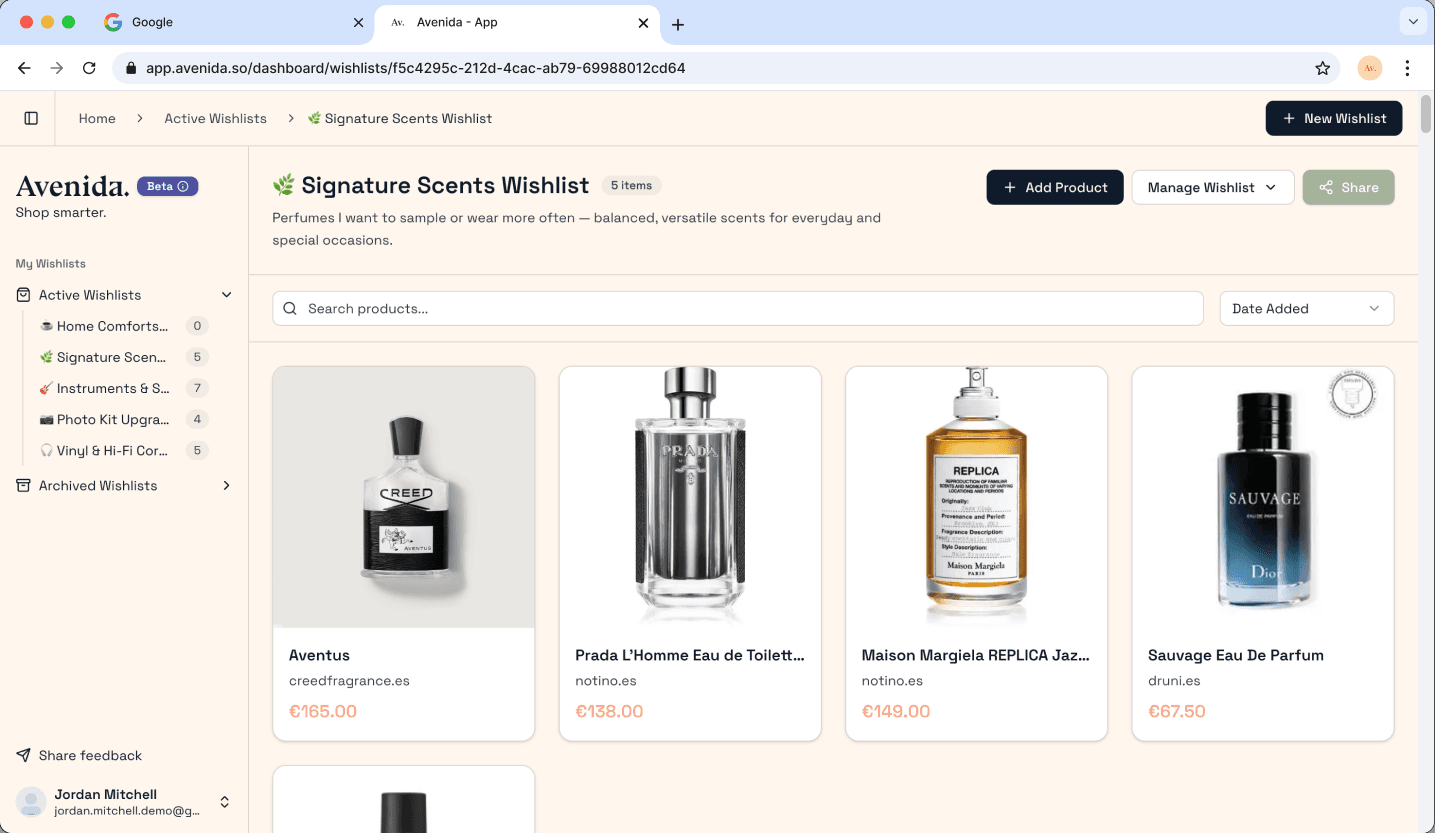
Once your products are saved, Avenida helps you stay on top of prices and availability.
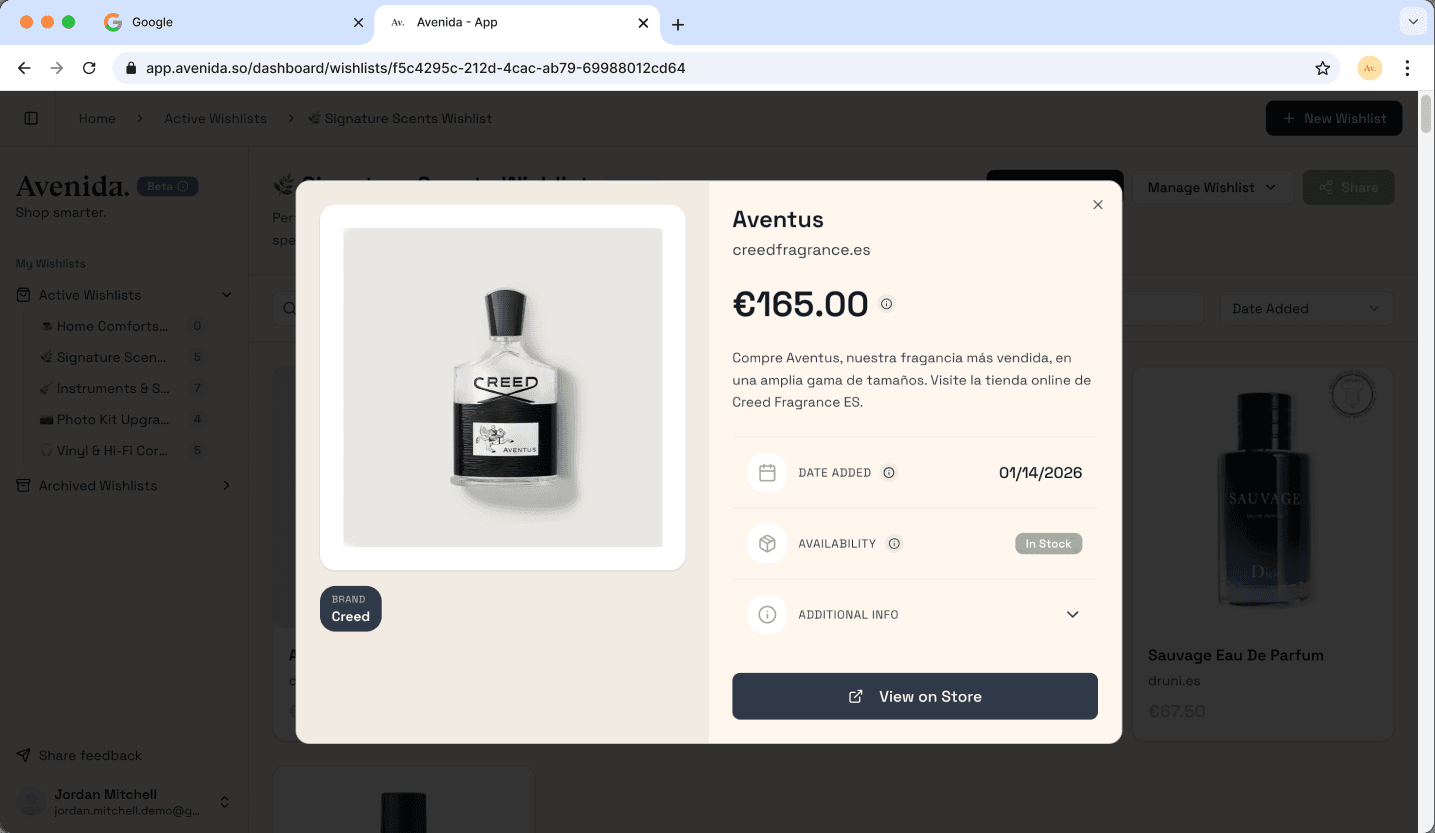
With your products saved, you can:
- See price history — know if now is a good time to buy
- Check stock status — see if items are in stock, low stock, or sold out
- Mark as purchased — keep track of what you've already bought
- Share your list — let friends and family see what you want
- Edit details — update information anytime
Avenida checks your saved products regularly to keep prices and availability up-to-date, so you never miss a deal.
Supercharge with the browser extension
Install our free browser extension to save products instantly while you shop.
For the ultimate shopping experience, install the Avenida browser extension:
- Install the extension from the Chrome Web Store
- Sign in with your Avenida account
- Browse any online store — when you find something you like, click the Avenida icon
- Choose a wishlist and save instantly
The extension automatically detects product pages and extracts all the details for you — no copying and pasting required!
Ready to get started?
Join other smart shoppers who use Avenida to organize their purchases, track prices, and make better buying decisions.